Form.taxi reliably delivers your form submissions by email – but often the data should also be processed automatically: as a contact in your CRM, as a row in a spreadsheet or as a message to your team. This is where Integrately comes in. The automation platform connects over 1,500 web applications and offers a large number of ready-made automations that can be activated in just a few clicks. With the Integrately integration, every form submission becomes the starting point of a custom workflow. In this article, you'll learn what Integrately is, what you can do with it in combination with Form.taxi, and how to set up the connection step by step.
What is Integrately?
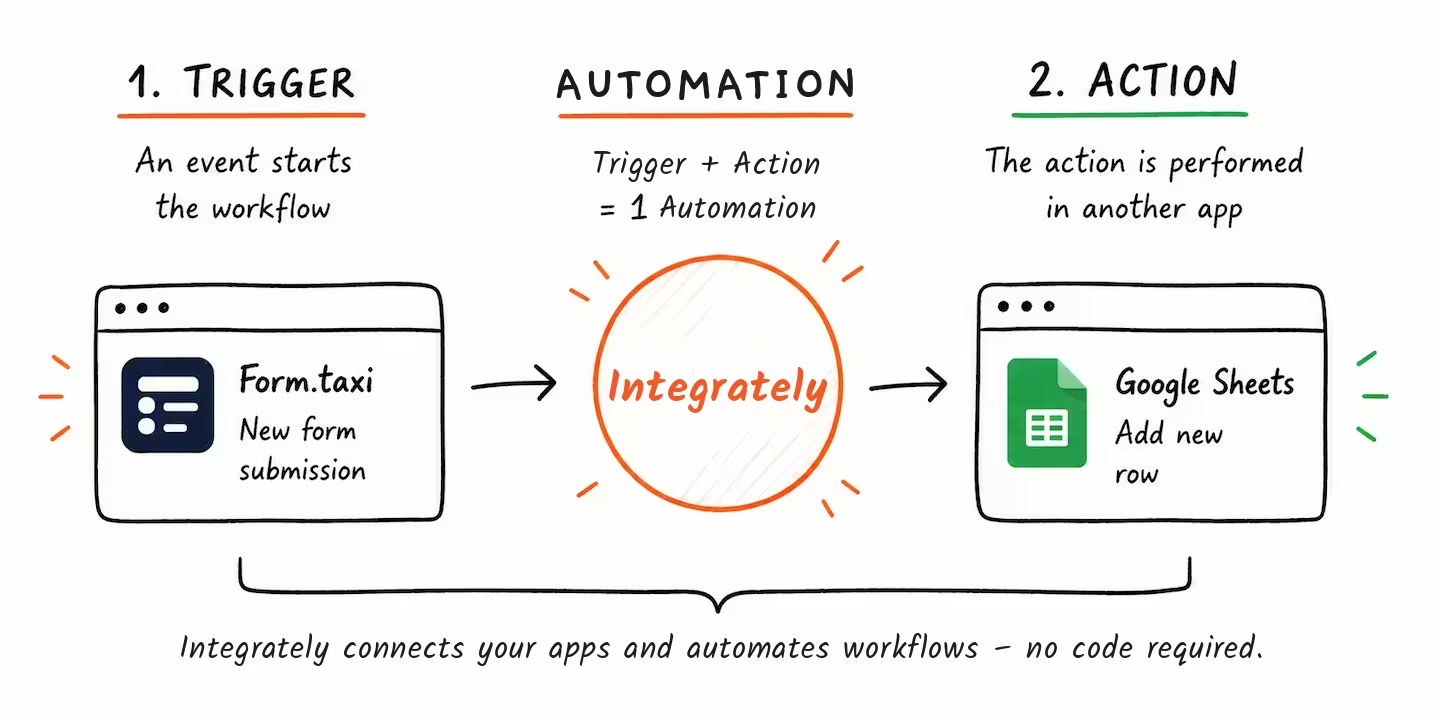
Integrately is an online automation platform that connects web applications with each other – no coding required. The basic principle:
A trigger starts an automated workflow
One or more actions are then carried out in other apps
Integrately calls this combination an automation
Example: As soon as a new form is submitted (trigger), a contact is automatically created in your CRM (action).
A special feature of Integrately is its 1-click automations: pre-built workflows for common app combinations that you simply connect to your accounts and activate. Alternatively, you can build automations yourself or describe them in plain words and let the built-in AI feature create them.
Integrately offers a free plan to get started. Paid plans are available for multi-step automations or higher volumes.
Form.taxi + Integrately: How the integration works
Form.taxi provides a trigger in Integrately: „Form is submitted". It fires instantly as soon as a new submission arrives through your form connection.
All form fields – based on the name attributes in your HTML form – are available as data fields in Integrately. You can map these fields freely in the subsequent actions (e.g. "firstname" from the form → "First Name" in your CRM).
The typical flow:
Visitor fills out the form → Form.taxi receives the data → Integrately is triggered automatically → Data flows into the target app of your choice
Important: Other delivery features such as email delivery remain active in parallel. The Integrately integration is an additional channel.
Use cases
The trigger is the same in every scenario: a new form submission via Form.taxi.
Contact form → Google Sheets + Slack
Every inquiry is logged in a spreadsheet and your team is notified in a Slack channel.
Quote request → Contact or deal in your CRM
Leads go straight into HubSpot, Pipedrive or another CRM as a contact or deal – no manual copying.
Inquiry → Notification via WhatsApp or Telegram
You or your sales team receive a short message on your phone for every submission.
Newsletter signup → Contact in Mailchimp or Brevo
New subscribers are added directly to your mailing list.
Task management → Card in Trello or task in Asana
A task is automatically created for every submission so your team can process it.
Summarize submissions with AI → Brief report via email or Slack
An AI step summarizes or evaluates the inquiry before it is passed on.
With over 1,500 apps in Integrately, these examples can be extended in almost any direction.
Ready-made automations
Get started right away with a pre-built automation. Click "Activate" to set up the automation in your Integrately account.
Setting up the connection – step by step
Create an Integrately account or log in
Visit integrately.com and create a free account if you don't have one yet.
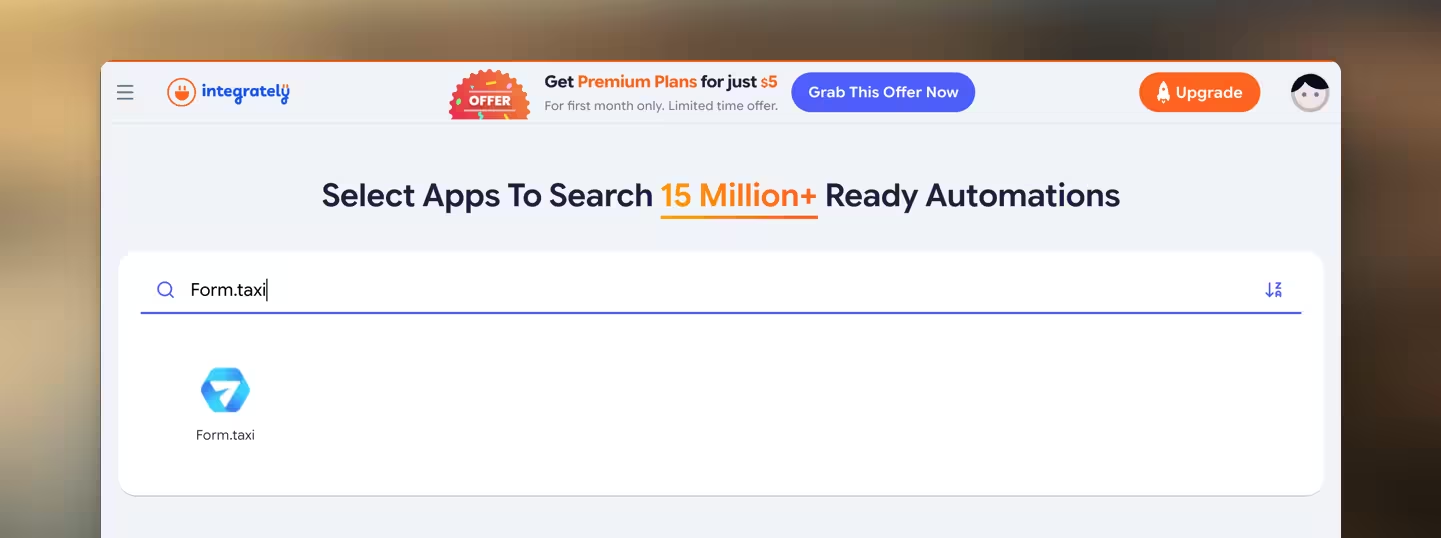
Select Form.taxi as the trigger app
When creating your workflow, search for and select "Form.taxi" as the trigger app. This way, the workflow is triggered by new form submissions.
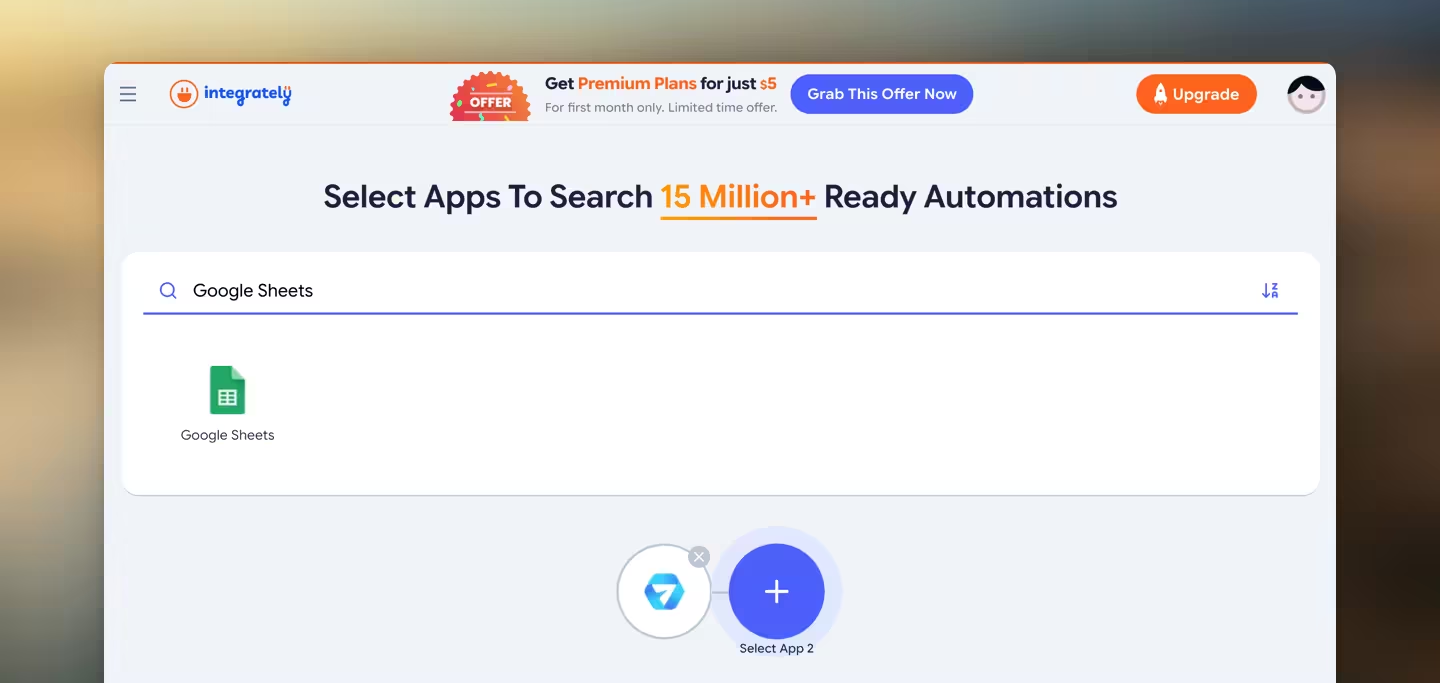
Add the target app
Search for and select the app that should process the submission data. For a multi-step workflow, you can add several apps here.
Create the workflow
Choose the matching workflow and click "Activate" to set it up.
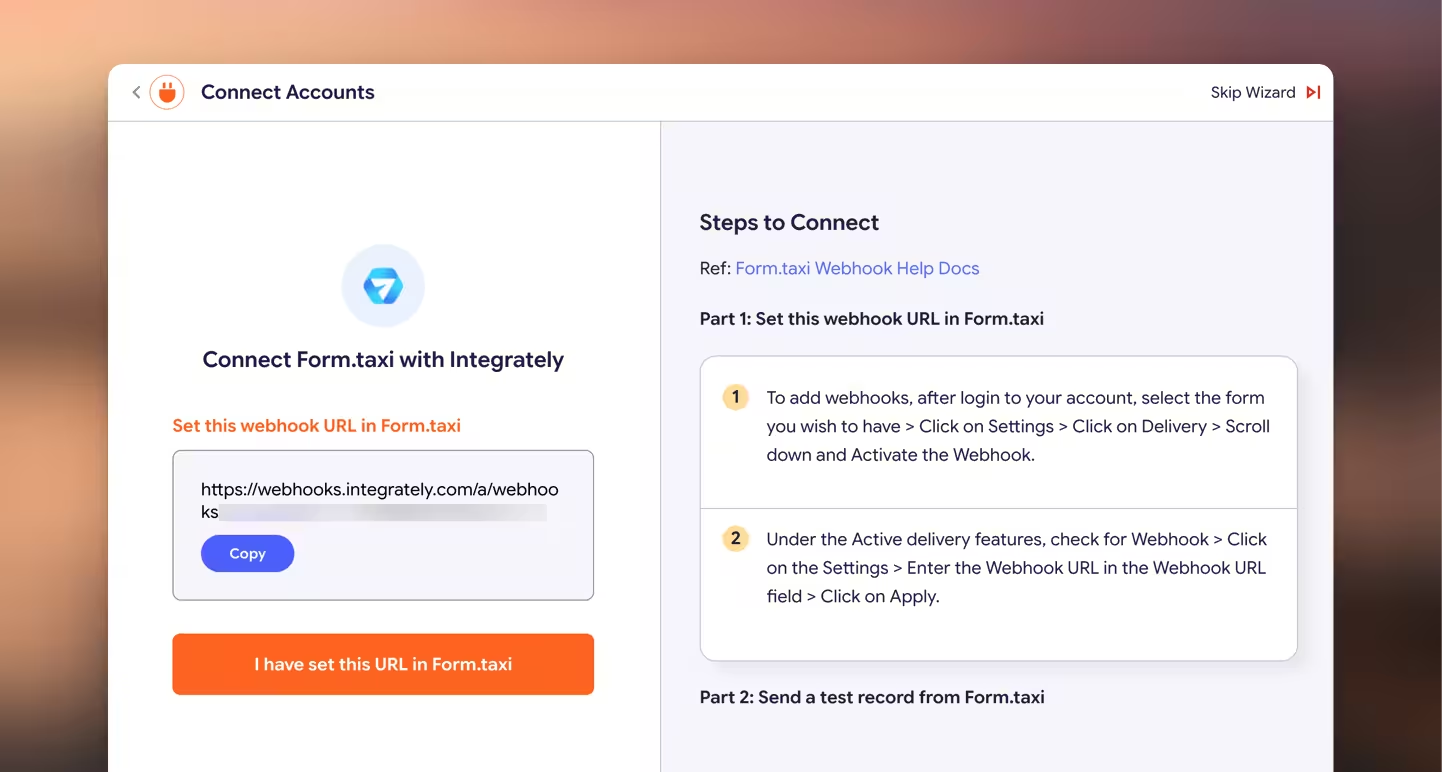
Connect to Form.taxi
For Integrately to run this workflow, it needs to be connected to the Form.taxi form you want to use. Integrately provides an individual webhook URL for this. Enter it in the Form.taxi panel under your form settings and follow the instructions. You'll find information on how webhooks work and how to set them up in our documentation: Webhooks documentation.
Once the webhook URL is set, submit your web form once with sample content. The form data is then sent to the webhook URL, and Integrately learns which data fields (form fields) are available.
Configure the target app
Set up the target app by following Integrately's instructions. The configuration differs from app to app, but in every case you map the form fields to the fields in the target app.
Test and activate the automation
Test the automation, check the result in the target app and switch the automation live.
Tips for getting the most out of it
Use meaningful field names
The name attributes of your HTML form fields are displayed as data fields in Integrately. Instead of field1, use descriptive names like firstname, email, message – this makes mapping the fields much faster.
Use ready-made automations as a starting point
Pick the 1-click automation that comes closest to your goal and adjust it afterwards. This saves setup time.
Use multi-step automations and conditions
A single trigger can run several actions in a row. With conditions, steps only run when certain values apply – e.g. only if the "Subject" field contains the value "Urgent".
Keep data protection in mind
When forwarding to Integrately and other apps, the form data leaves Form.taxi. For personal data, check the privacy policies and processing locations of the services involved and update your privacy policy accordingly.
Conclusion
With Form.taxi and Integrately, you can automatically send HTML form data to over 1,500 apps – no server, no coding, and if you like, with a ready-made automation in just a few clicks.
Feedback or questions?
Please send us your message. We will personally address your concerns.

 Reinhard Söllradl